
Who to contact
Your photographer takes the photos, sets the prices, receives your order and handles delivery. Their contact details are in the email you received or in their store.
Your photographer sells your photos; SmileyApp only provides their online store. Your photographer or your child’s school sends you the store link and access code, by email or on a card.
For any question about an order, delivery, refund or lost code, contact your photographer directly. They have your photos and your order.
Every photographer has their own store, so there’s no central SmileyApp store to search. You received access:
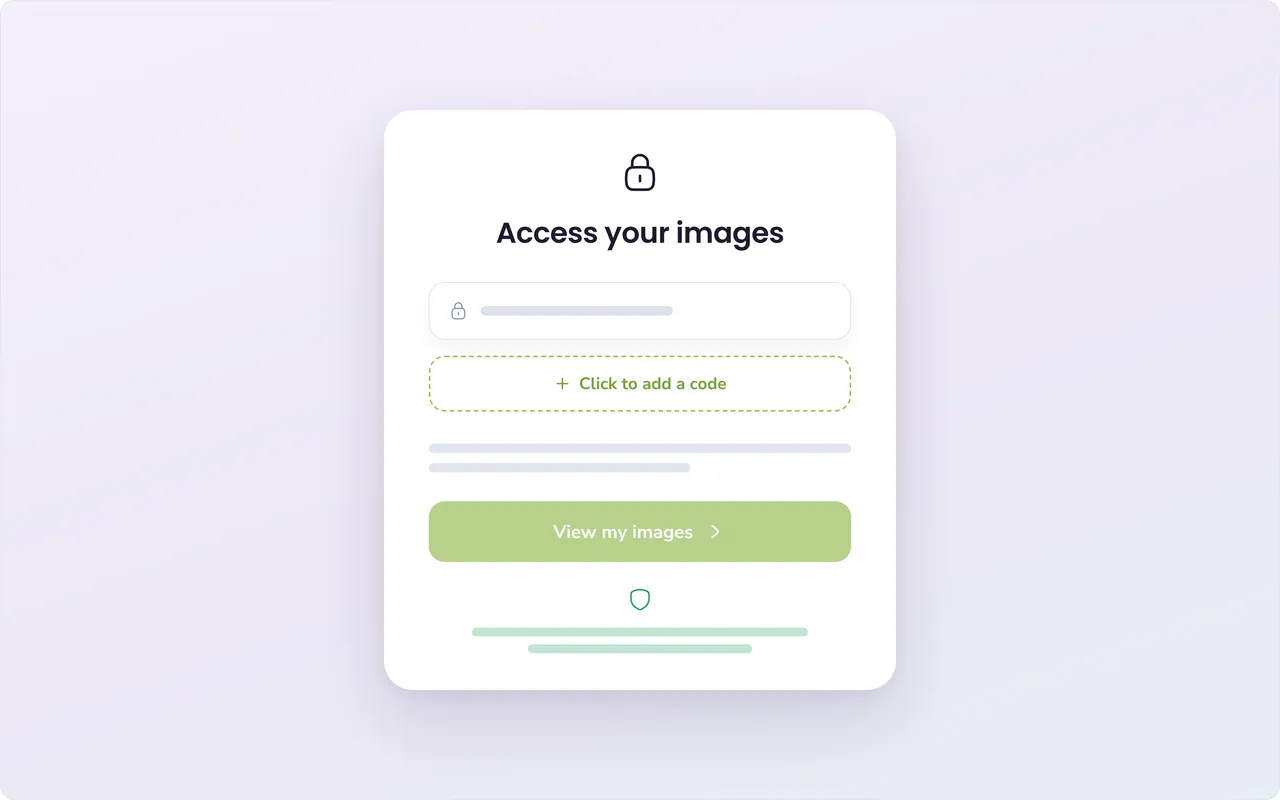
In the store, enter your code in the “Access your images” box. Your child’s photos appear, and you can place your order.
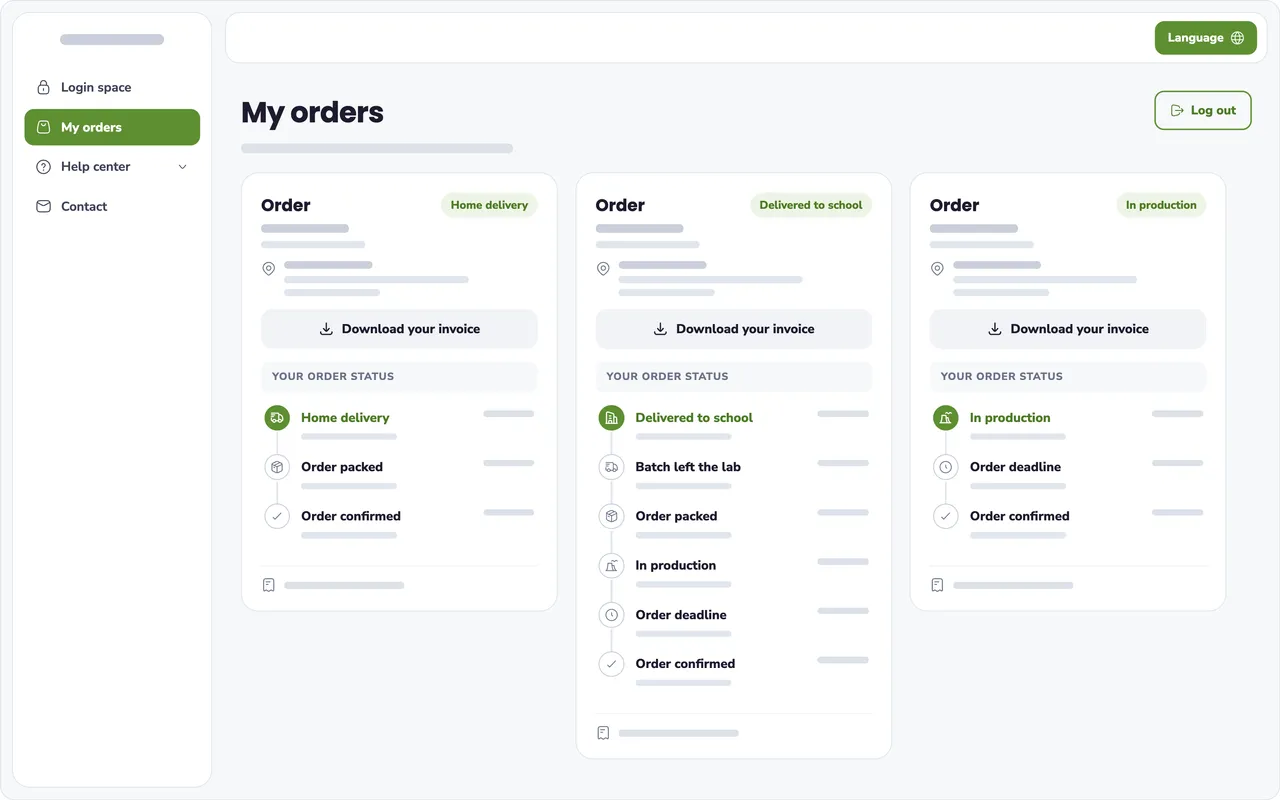
Log in to your photographer’s store and open “My orders” to see the status, your invoice and your images. If you don’t have a password yet:
Your photographer takes the photos, sets the prices, receives your order and handles delivery. Their contact details are in the email you received or in their store.
Photos open only with your access code, and the store blocks screenshots on iPhone, iPad, PC and Mac. Data is hosted in Montreal, with backups in Toronto.
More about securityFor anything to do with your photos or your order, your photographer is the right person to contact.
Each photographer has their own store, and the link is in the email you got when the photos were ready or on the card from the school, daycare or sports team. If in doubt, contact your photographer.
Your access code is in your photographer’s email or on the card sent home by the school, daycare or sports team. It opens your child’s photos in your photographer’s store.
Contact your photographer. They can send you your code again.
Log in to your photographer’s store and open “My orders.” If you never created a password, click “Forgot password” at the customer login and choose a new one.
Your order goes to the lab for printing at the deadline shown in the store, or as soon as you pay if you chose home delivery. Until then, its status in “My orders” shows where processing stands.
Your photographer. They receive your order and handle delivery, refunds and corrections. SmileyApp provides the store but doesn’t process orders.
Yes. They open only with your access code, and the store blocks screenshots on iPhone, iPad, PC and Mac (a photo of the screen taken with another device is still possible). Data is hosted in Montreal, with backups in Toronto.
Cette page existe aussi en français. Lire en français